Founders
Launch videos that look funded.
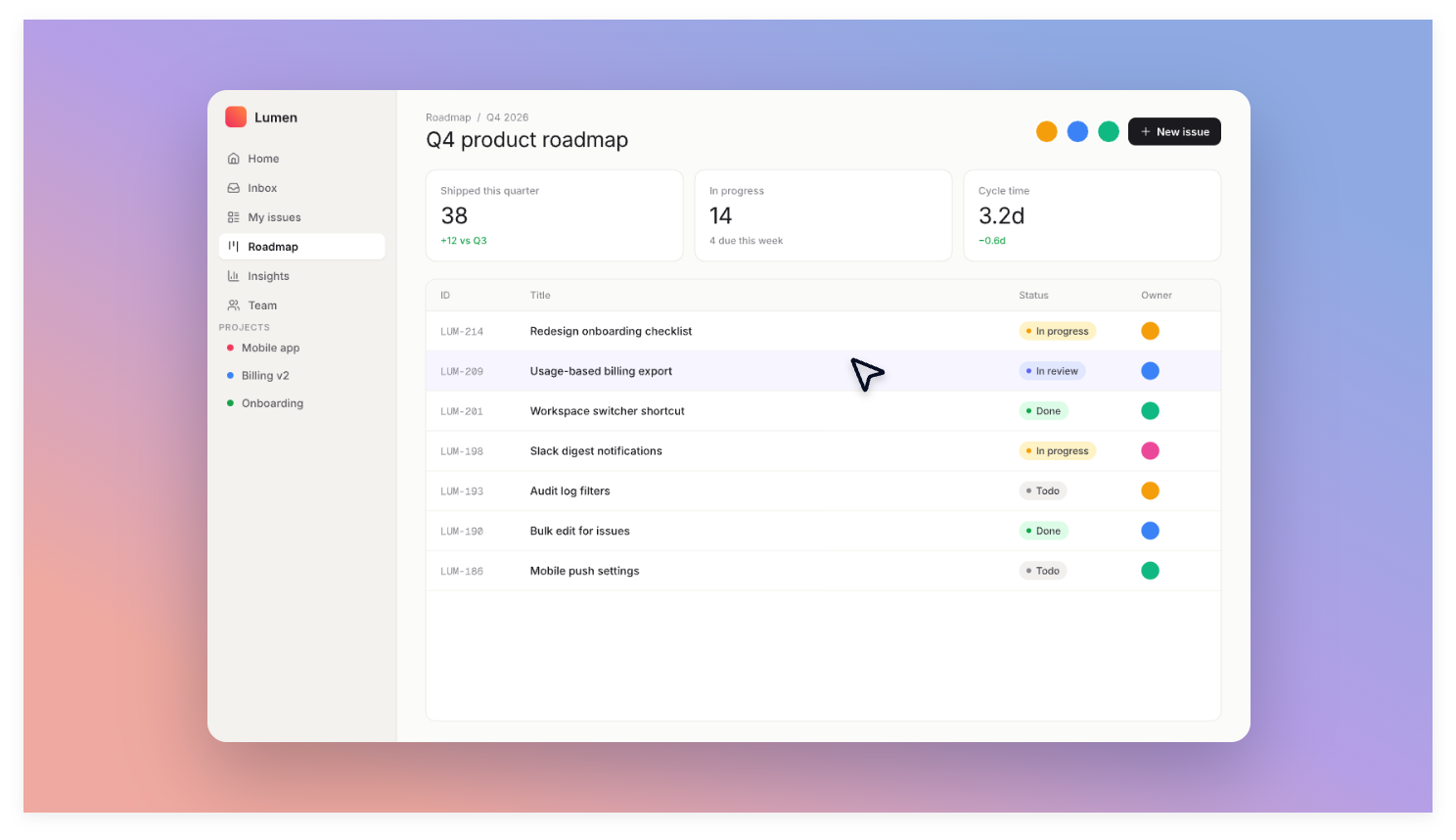
Record the flow once. Post it on launch day, your landing page and X, in the right ratio for each.
Record your screen like you always do. When you stop, the zooms, the smooth cursor and the background are already done. Export, share, move on.
Save 70% on either lifetime license · offer ends October 6
WHO IT'S FOR
Record the flow once. Post it on launch day, your landing page and X, in the right ratio for each.
A 30-second clip in your PR or changelog explains more than three paragraphs. No editing tax.
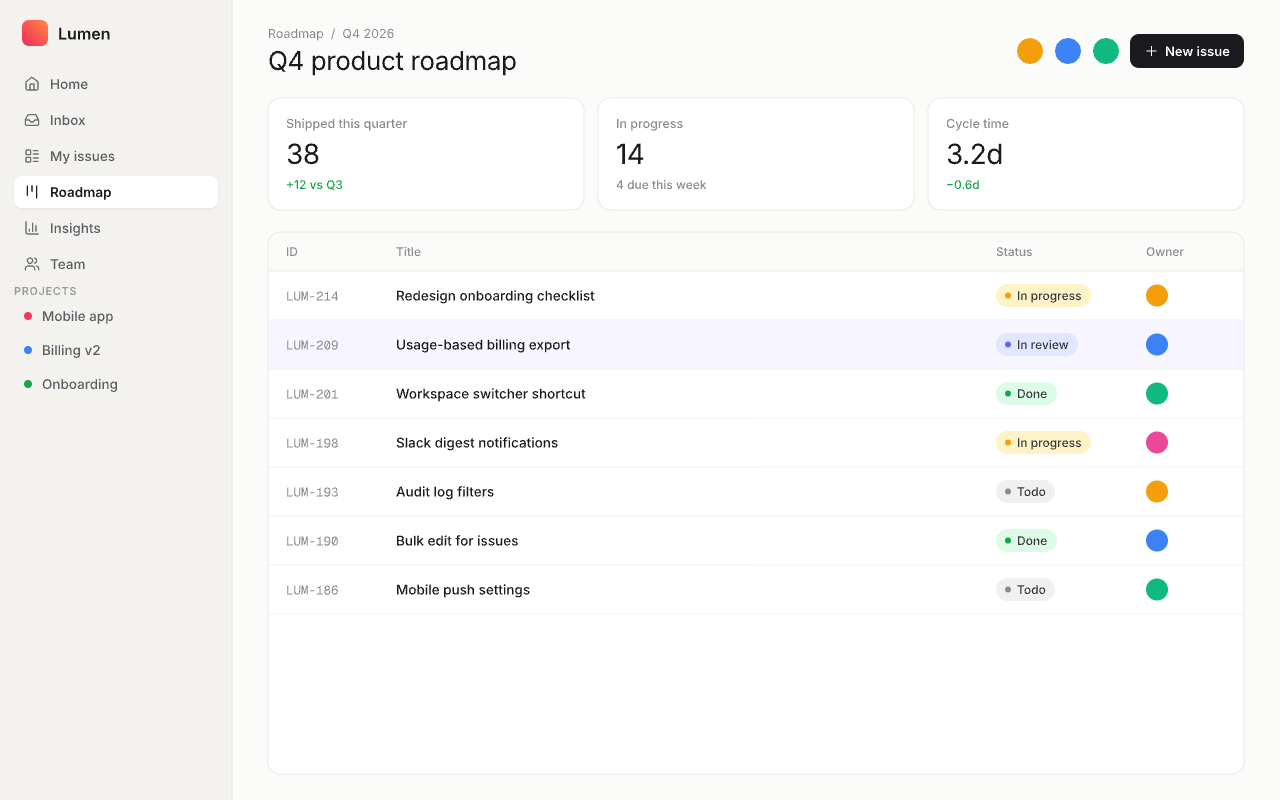
The camera zooms to exactly what you click, so students never hunt for the button you mean.
SAME RECORDING
HOW IT WORKS
No timeline to learn. No keyframes. The app watches where you click and directs the camera for you.
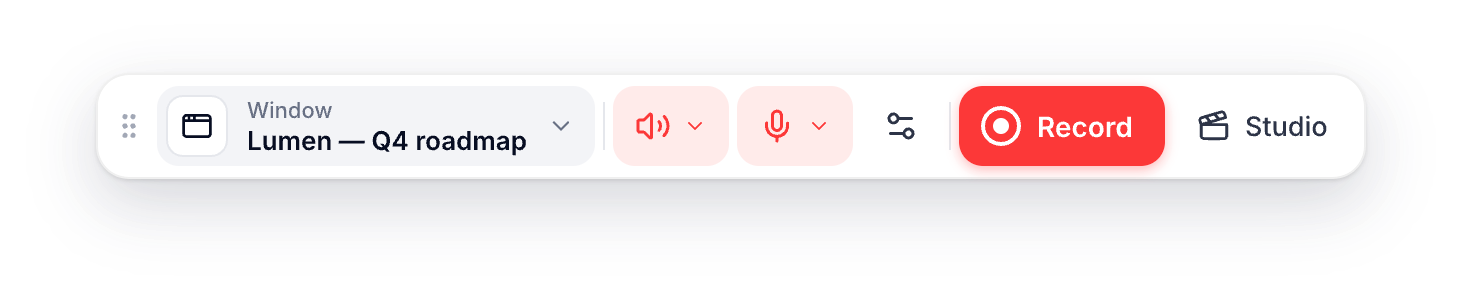
Pick a window or a screen, turn on your mic, and press Record. Use your app normally.
Hit Stop when you're done. Your recording is processed on your Mac in seconds.
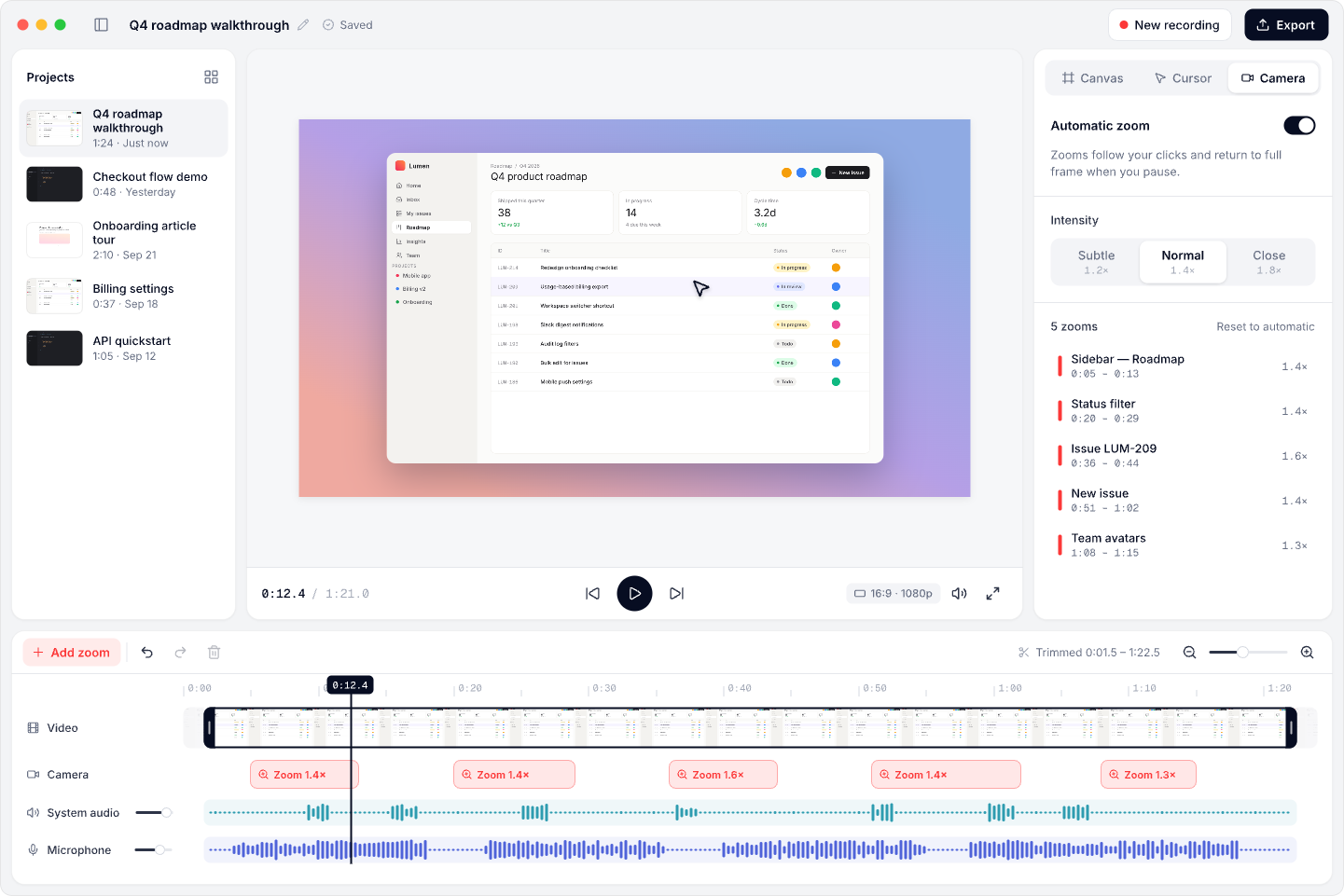
Zooms follow your clicks, the cursor glides, and a background frames it all.
Choose 16:9, 9:16 or 1:1 and export a sharp 1080p MP4. Change a zoom first if you like.
FEATURES
The camera moves toward what you click, stays put when you work nearby, and eases back out when you pause.
Shaky mouse movement becomes smooth and deliberate, with a subtle pulse on every click.
Record one window, even when it's covered or moved, or capture any connected display.
Capture both at once, each with its own volume and mute. Pick any input device from the toolbar.
Gradients and colors, padding, rounded corners. Switch 16:9, 9:16 or 1:1 without losing a zoom.
Drag a zoom on the timeline, or reframe it right in the preview. Trim the start and end. Done.
Launch week: 70% off both licenses · offer ends October 6
PRICING
Choose CrazyCap to record and polish demos yourself, or Founder to describe the demo you want and let CrazyCap take it from there.
70% OFF THIS WEEK
For people who want to record and polish demos themselves.
70% OFF THIS WEEK
Save 70%: $20.70One-time purchase · Founder features included · lifetime updatesLaunch offer ends October 6.
Describe the demo you want. CrazyCap takes it from there.
14-day money-back guarantee. CrazyCap is in development. Your download link and license key arrive by email when it is ready.
FAQ
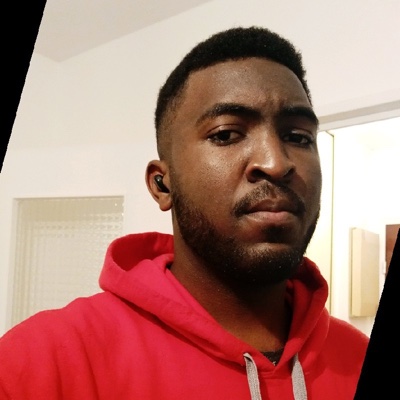 Hi, I'm SteveI make CrazyCap
I built CrazyCap because I was tired of editing screen recordings. I want to record, stop, make any final adjustments in Studio, and export. If it does not save you time, email me and I will refund you.
[email protected]After you stop, CrazyCap automatically adds zooms and smooths cursor movement. Review the result in Studio, make any adjustments you want, then export.
CrazyCap is in development. I will email your download link and license key when the app is ready. Your preorder is covered by the 14-day refund policy.
No. CrazyCap is in development. Purchases are preorders covered by the 14-day refund policy.
Any Mac running macOS 14 or later, on Apple silicon or Intel.
No. Recording, processing and export all happen on your Mac. Nothing leaves your machine.
Use Find my license with the email you bought with and I will resend your key and download link.